
DSource Studio
View tutorial →AI Material Finder
Show us the room you love. We’ll find every piece in it.
The ideal material for your space
Locally available products that fit your design vision — without the endless search.
Open the material finderUpload · Identify · Source

How it works
Three steps
STEP 01
Upload your design
Start with a photo of a room you love, or a render made with our AI tools.
STEP 02
Identify the pieces
The AI reads the scene and names the furniture and decor it finds.
STEP 03
Source them locally
Get a curated list of similar products stocked by retailers near you.
DSource AI
Shopping assistant
Point at the room. We’ll shop it.
The AI reads the whole scene, then matches every piece to a real product — hover the room or the list to explore.
Found in this room

Arc Diptych
Bree


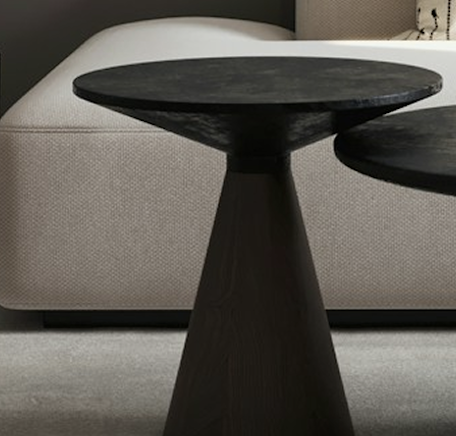
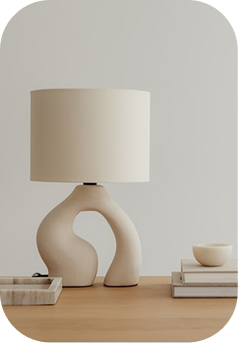
Scanning the demo room… 0/5 pieces found
AI material match
5 matches
Illustration · sample pieces and prices, not a live scan
See a room you love? Bring it in.
Try it yourself